Contact us



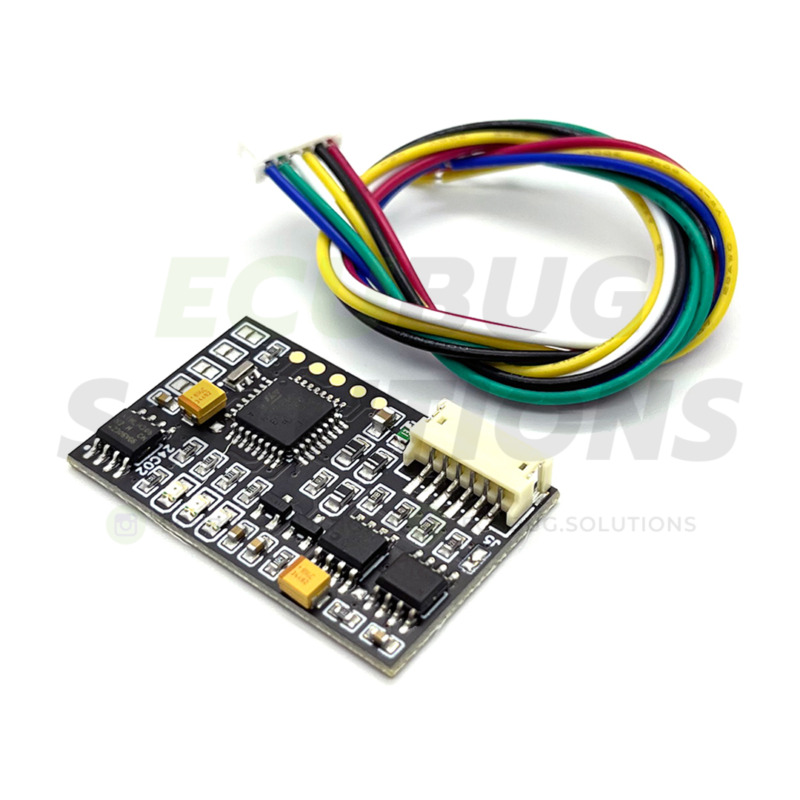
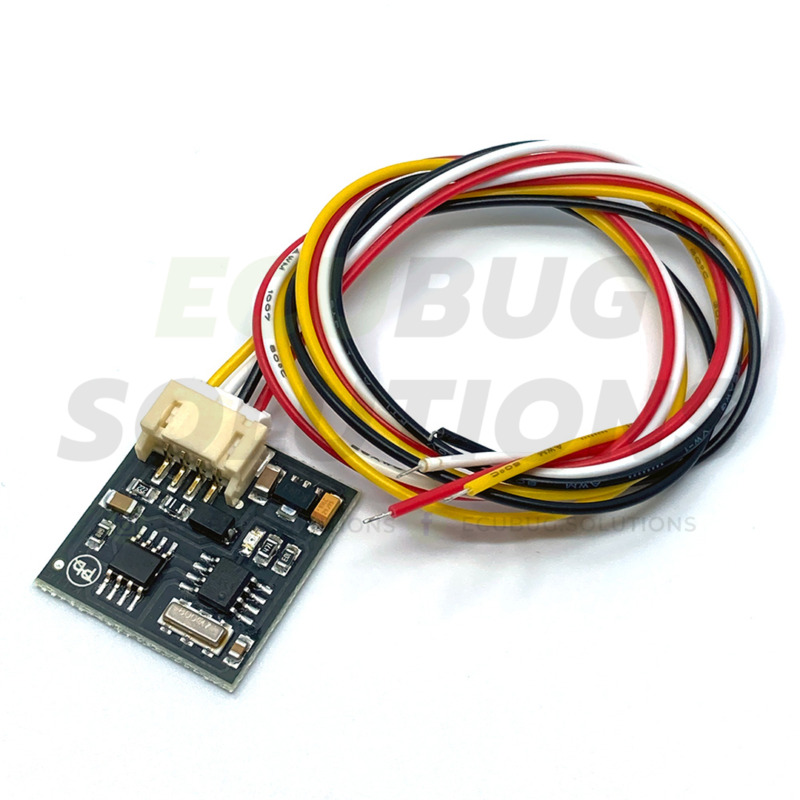
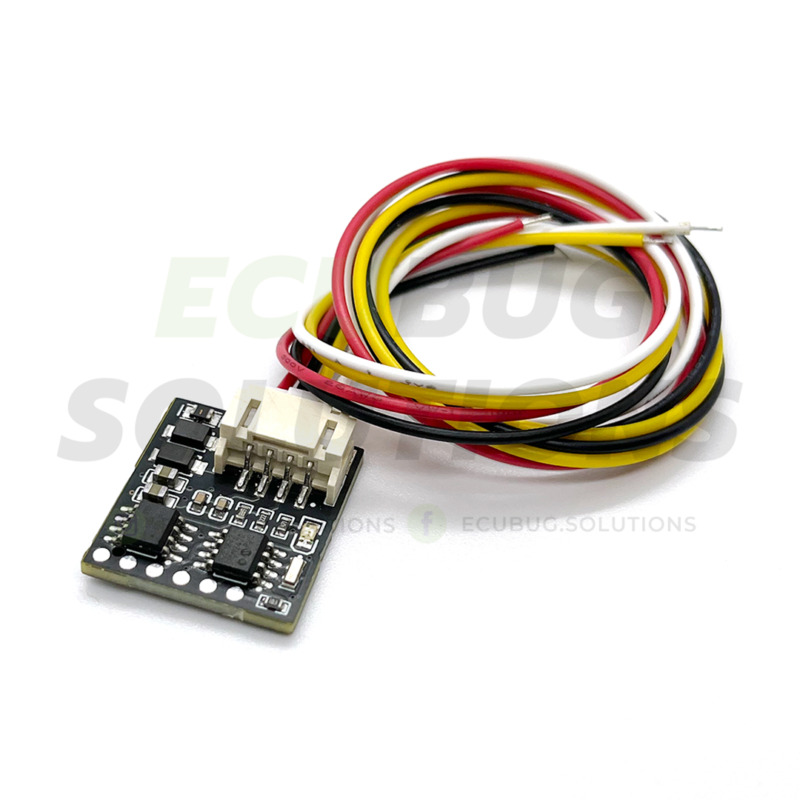
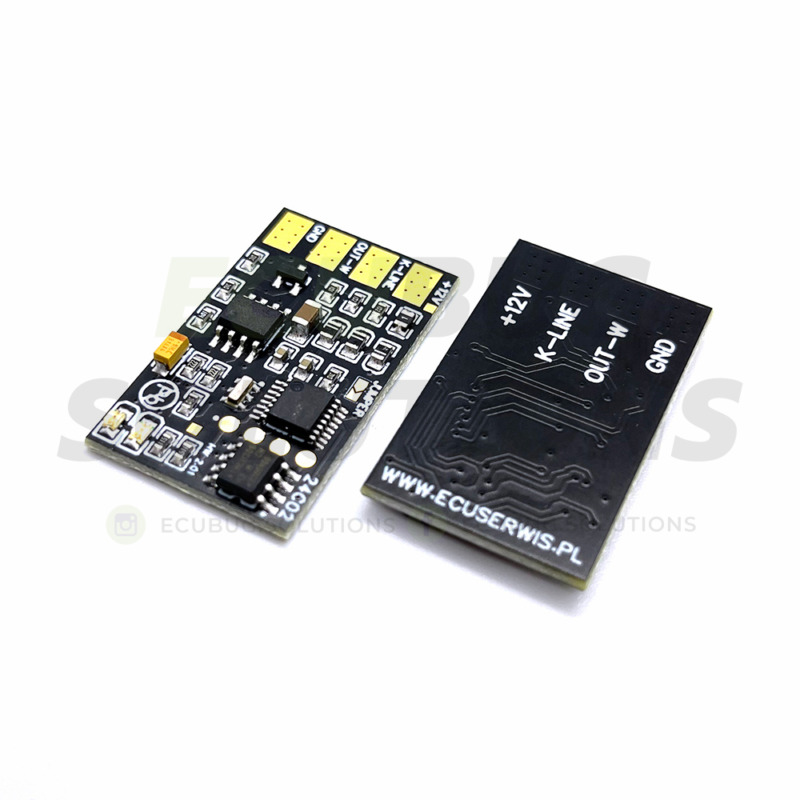
Universal Seat Occupancy Sensor Emulator (17 Algorithms) – SRS Fix
45,00 € excl. VAT
-
Fixes Airbag Light: Effectively bypasses faulty seat occupancy mats to clear the SRS warning light.
-
Universal Design: Features 17 selectable algorithms in one single unit.
-
Wide Compatibility: Supports BMW (E-Series & F-Series), Mercedes-Benz, Mazda, Fiat, Alfa Romeo, Mini.
-
Easy Installation: Simple 3-wire connection replaces the original sensor.
-
Diagnostic Tool: Perfect solution for verifying system faults and passing safety inspections.
Important Information:
- We test functionality before shipping.
- Not sure? Write to us, we will advise you.
- Warranty: 12 months for repairs and services / 24 months for products.
Fix Your Airbag (SRS) Warning Light
Is the red airbag light or seatbelt warning persistent on your dashboard? The most common cause is a faulty passenger seat occupancy sensor (seat mat). Replacing the entire sensor mat involves stripping the seat upholstery and is very expensive.
The Universal Seat Occupancy Sensor Emulator is a professional, cost-effective solution. This device simulates the signal of a permanently occupied seat, allowing the SRS system to clear the error code and re-arm the airbags.
Why Choose This Universal Emulator?
-
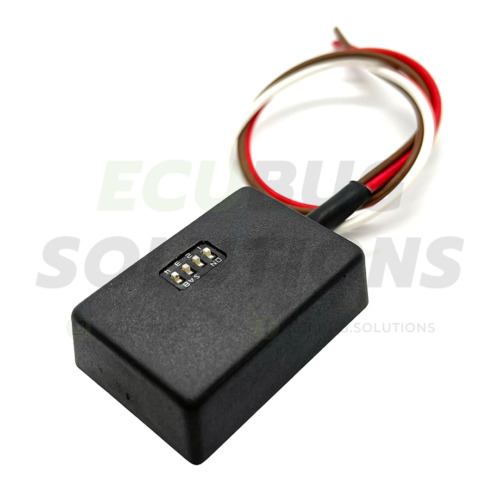
17 Integrated Algorithms: A single device covers dozens of car models. Easily select the correct program for your car using the switches on the unit.
-
Wide Vehicle Coverage: Supports everything from older classics to modern vehicles (including full support for BMW F-Series and newer Mercedes protocols).
-
Easy Installation: Only 3 wires to connect (+12V, Ground, Signal).
-
High Quality: Designed to withstand automotive environments (vibration and temperature resistant).
Compatibility List
Please check if your vehicle is listed below. This emulator replaces the faulty seat mat in the following models:
| Brand | Models & Years |
| BMW (E-Series) |
E81, E82, E87, E88 (2004-2014) E90, E91, E92, E93 (2005-2013) E60, E61 (2005-2010, also FL) E63, E64 (2005-2010, also FL) E65, E66 (2005-2008, also FL) Z4 E85/E86 (from 2006, also FL) X5 E70 (2006-2013), X3 E85 (2006-2010) |
| BMW (F-Series) |
F20, F21 (from 2010) F30, F31 (from 2011) F10, F11 (from 2010) F01, F02, F03, F04 (2008-2015) X3 F25 (from 2010), X5 F15 (from 2013) |
| MINI | Cooper R56 and newer models |
| Mercedes-Benz (A/B) |
A-Class: W168, W169, W176 (from 2013) B-Class: W245, W246 (from 2011) |
| Mercedes-Benz (C/CLK) |
C-Class: W202, W203, W204 (2007-2014) CLK: W208, W209 Others: CL W215, CLC CL203, CLS W218, W219 |
| Mercedes-Benz (E/S/G) |
E-Class: W210, W211, W212 / S212 (2009-2013), C207/A207 S-Class: W220, W221 G-Class: W463 (from 2002) |
| Mercedes-Benz (SUV/VAN) |
ML/GL: W163, W164, X164, GLK X204 R-Class: W251 Vito/Viano/Vaneo: W638, W639, W414 |
| Mercedes-Benz (Roadster) |
SLK: R170, R171, R172 (from 2011) SL: R230 |
| Mazda | Premacy, MX5, 323, 626, Mazda 3, Mazda 5, Mazda 6, MPV, Demio |
| Alfa Romeo | 156 |
| Fiat | Stilo, Punto |
Installation Instructions & Setup
1. Wiring Connection
Please verify the wire colors on your unit and connect as follows:
-
Brown: GND (Ground / Negative)
-
Red: +12V (Ignition switched power)
-
White: Data Signal (To Airbag ECU)
2. Step-by-Step Installation
-
Turn off the ignition and remove the key.
-
Select the correct program using the switches on the emulator matching your car model.
-
Connect the emulator wires to the car wiring.
-
Turn on the ignition.
-
Check the LED indicator status on the emulator (see table below).
-
Use a diagnostic tool to read Fault Codes (DTC) and clear them.
3. LED Signal Meaning
| LED Behavior | Meaning |
| Blinks continuously | ✅ Working correctly. The emulator is communicating properly. |
| Blinks once and goes off | ❌ Incorrect program. Select a different algorithm. |
| Does not light up | ⚡ Power issue. Check connections or fuse. |
Important Notes:
-
Versions v1 vs. v2: If the manual lists two versions for your car, always start with v1 (most common). If v1 does not work, switch to v2.
-
Changing the Program: If you need to change the program switches, connect the emulator to power only (without the White signal wire). After changing switches, disconnect power and then reconnect everything.
⚠️ Legal Disclaimer & Safety Information
Consumer Information: This emulator is primarily intended for professionals, service workshops, and diagnostic purposes (e.g., to verify if the fault lies within the seat mat or the SRS control unit).
The seller is not responsible for improper use of the emulator, damages caused by incorrect installation, or mishandling of the vehicle’s safety systems. By installing this device, the user assumes full responsibility for the SRS system’s operation. The emulator permanently signals an “occupied” status, meaning the passenger airbag will deploy in any collision – therefore, placing a child car seat on the front passenger seat is strictly prohibited.